 TapToBite
RESTAURANT BUYING GUIDE · PAKISTAN
Best restaurant POS in Pakistan: a buyer’s guide
The best restaurant POS is the one your staff can use at rush hour. Start with PKR billing and kitchen tickets; if you deliver or run more than one location, compare online ordering, rider cash and branch controls as well.
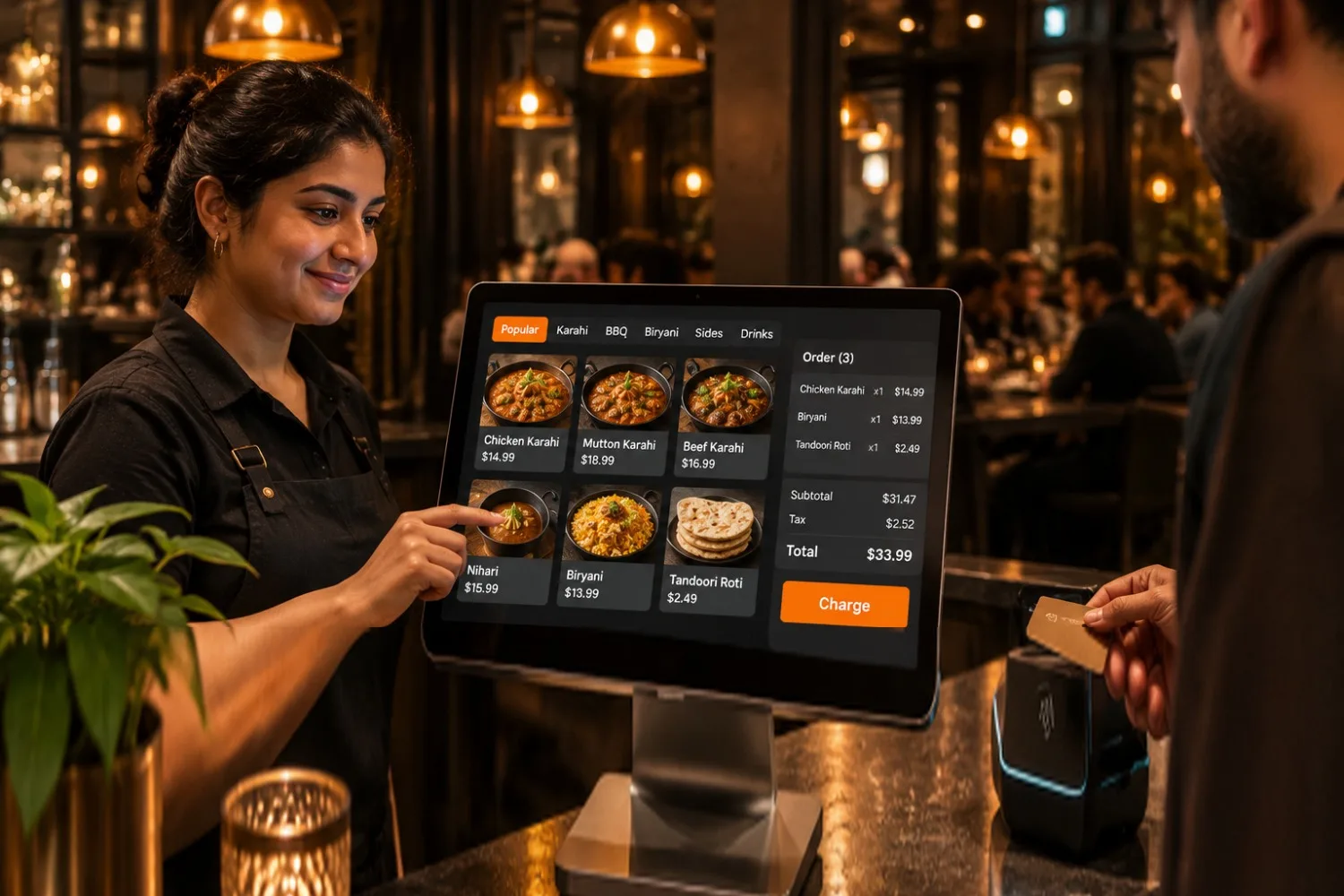
Which type of restaurant POS do you need?
A billing-only till may be enough if you sell from a single counter. The larger the gap between where an order arrives and where staff prepare, deliver and reconcile it, the more important it is that those tasks share one order record.
- Café or takeaway counter: test a quick bill, popular modifiers, a card or cash payment, and a receipt from the printer you already own.
- Dine-in restaurant: test table orders, open tabs, split bills and sending a change to the kitchen without starting another check.
- Delivery kitchen or chain: test direct online orders, rider cash, branch-specific menus and who can see each location’s reports.
Five checks for restaurant billing software in Pakistan
Enter a real order in PKR
Use an item from your menu with a size or add-on. Ring it in for dine-in and takeaway, and compare the line items, discounts and totals on each receipt.
Send the right kitchen ticket
Check that the kitchen order ticket (KOT) or kitchen display shows the order type and modifiers. Change an item after it has been sent and make sure the kitchen can tell what changed.
Check how delivery cash comes back
Assign a cash-on-delivery order to a rider. At closing, compare the amount the rider collected, the amount handed back and any amount still owed.
Test the internet and hardware you already have
Try the tablet, printer and card terminal you plan to use. Disconnect briefly, ring in a cash order if offline mode is supported, then reconnect and confirm it syncs once. Online payments may still require a connection.
Compare reports, stock and tax integration
Reconcile cash and card from the shift. Check that one recipe sale reduces stock as expected. Ask whether you need a specific federal or provincial tax integration and verify support before you commit.
For applicable tax rules, consult the Federal Board of Revenue, the relevant provincial authority, or your accountant. Do not assume a supplier supports a required integration because it can display sales tax on a receipt.
How to compare the total price of a POS
Ask each supplier to quote for the same number of counters and branches. Add hardware, setup and training, optional ordering and delivery tools, and payment fees. Divide the up-front costs over the period you plan to use the system so a cheap first month doesn’t hide a higher ongoing cost.
Check who can export menus and sales data, and what happens to your ordering website or app if you leave. Review the TapToBite plan comparison for included branches and features.
Run a closing test before you switch
On a PKR 2,400 bill paid with PKR 1,400 in cash and PKR 1,000 by card, the closing report should show PKR 1,400 collected in cash, not PKR 2,400. Then close a delivery order at 1 a.m. and check which business day it appears under. Record those results before comparing suppliers.
Repeat the test with a void or refund, and have the staff who will actually close the till run it. See the definition of payment reconciliation if you’re setting up the process for the first time.
Where TapToBite fits
TapToBite publishes this guide and sells restaurant POS software; it is not an independent vendor ranking. If you want your till, kitchen, direct orders and riders to work on one system, explore TapToBite’s restaurant POS for Pakistan and compare it using the checklist above.
Still working on margins? Use the food cost calculator to check actual ingredient spend, then the menu price calculator to price a dish from its portion cost.